[widgetkit id=”8″ name=”3 Column Grid”]
Ιστολόγιο
-
Terms and condition
Lorem ipsum dolor sit amet, consectetur adipiscing elit. Donec sit amet nibh. Vivamus non arcu. Lorem ipsum dolor sit amet, consectetur adipiscing elit. Etiam dapibus, tellus ac ornare aliquam, massa diam tristique urna, id faucibus lectus erat ut pede. Maecenas varius neque nec libero laoreet faucibus. Phasellus sodales, lectus sed vulputate rutrum, ipsum nulla lacinia magna, sed imperdiet ligula nisi eu ipsum. Donec nunc magna, posuere eget, aliquam in, vulputate in, lacus. Sed venenatis. Donec nec dolor vitae mauris dapibus ullamcorper. Etiam iaculis mollis tortor.
lacinia magna orem ipsum dolor sit amet, consectetur adipiscing elit. Donec sit amet nibh. Vivamus non arcu. Lorem ipsum dolor sit amet, consectetur adipiscing elit. Etiam dapibus, tellus ac ornare aliquam, massa diam tristique urna, id faucibus lectus erat ut pede. Maecenas varius neque nec libero laoreet faucibus. Phasellus sodales, lectus sed vulputate rutrum, ipsum nulla lacinia magna, sed imperdiet ligula nisi eu ipsum. Donec nunc magna, posuere eget, aliquam in, vulputate in, lacus. Sed venenatis. Donec nec dolor vitae mauris dapibus ullamcorper. Etiam iaculis mollis tortor.
-
Color Styles
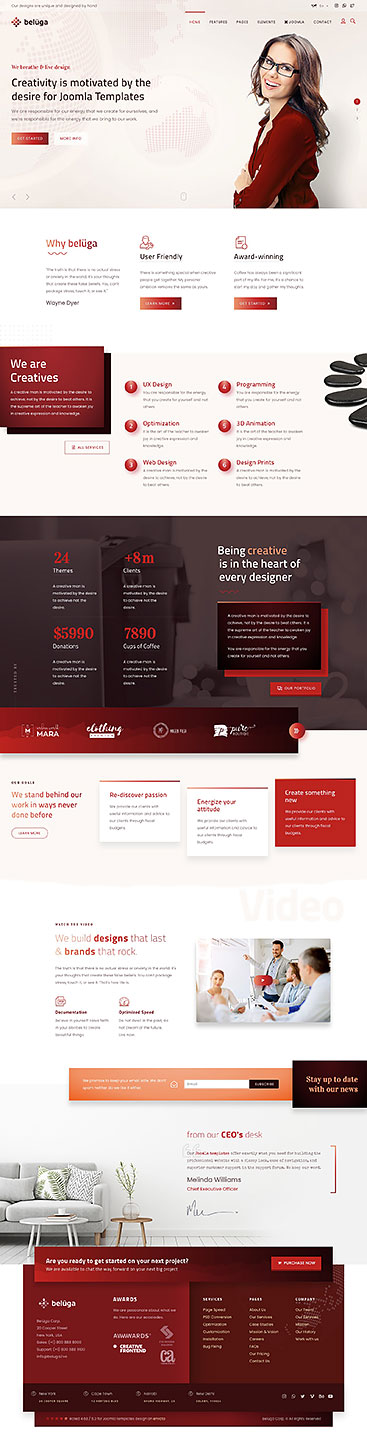
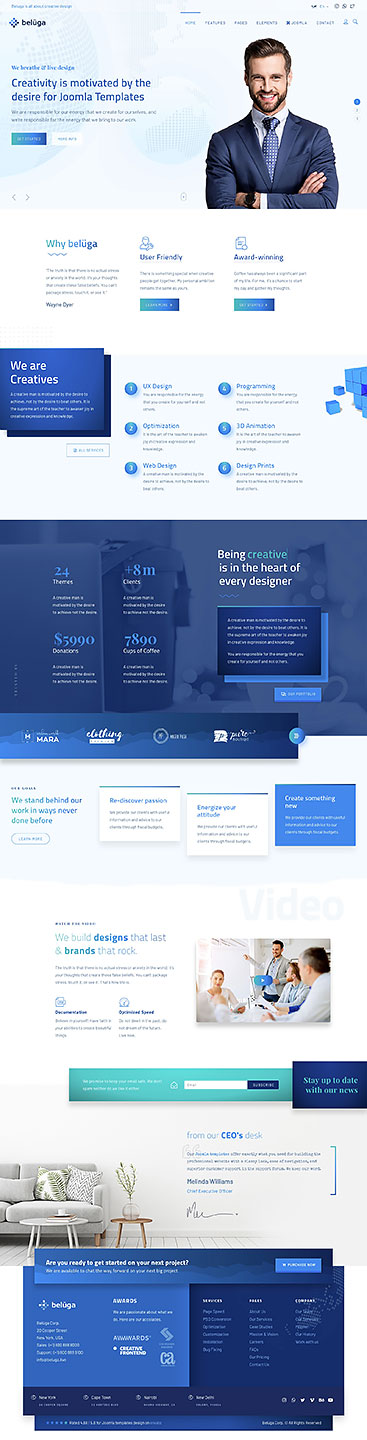
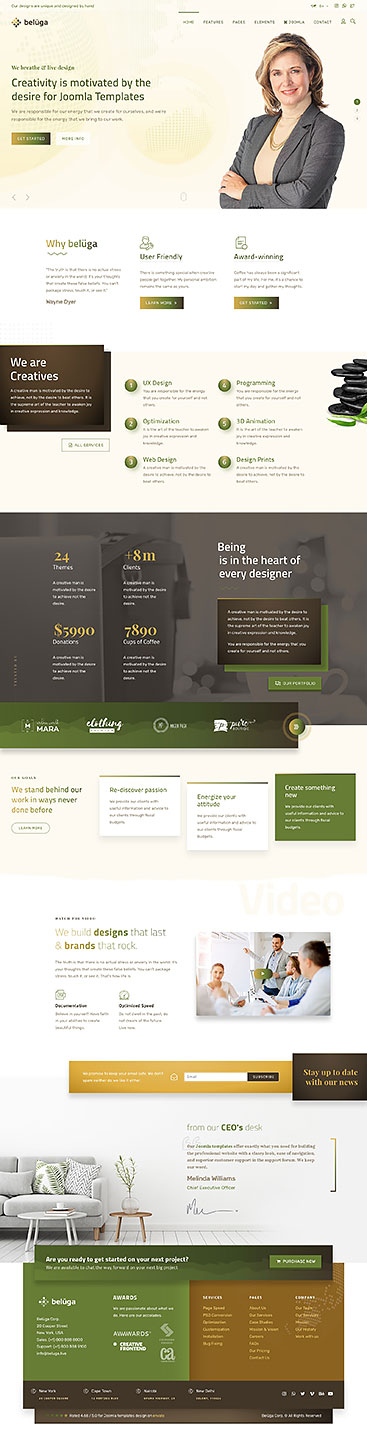
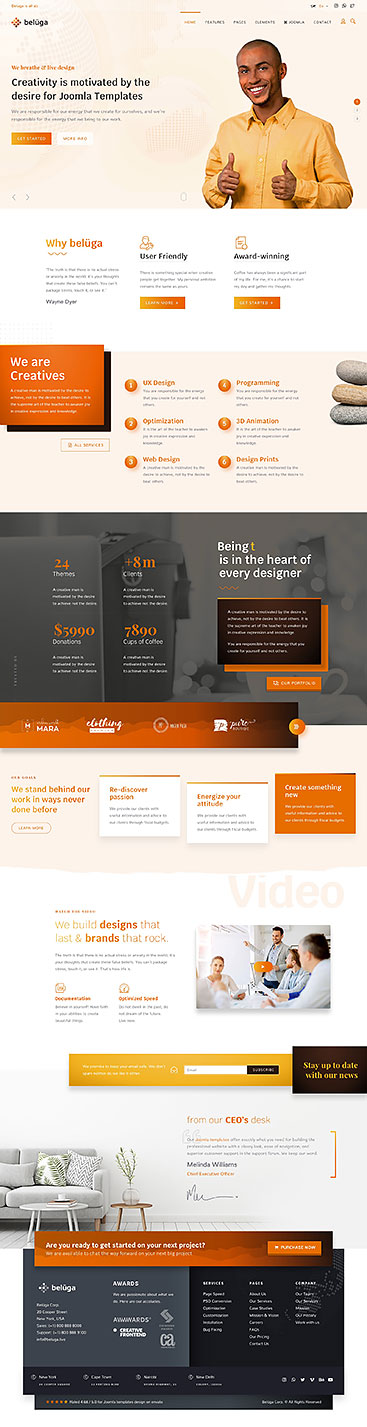
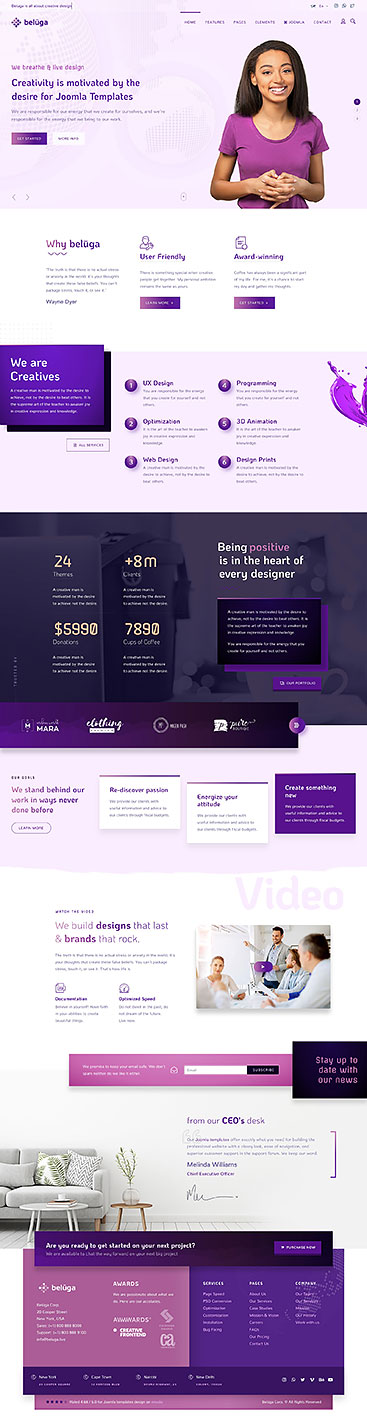
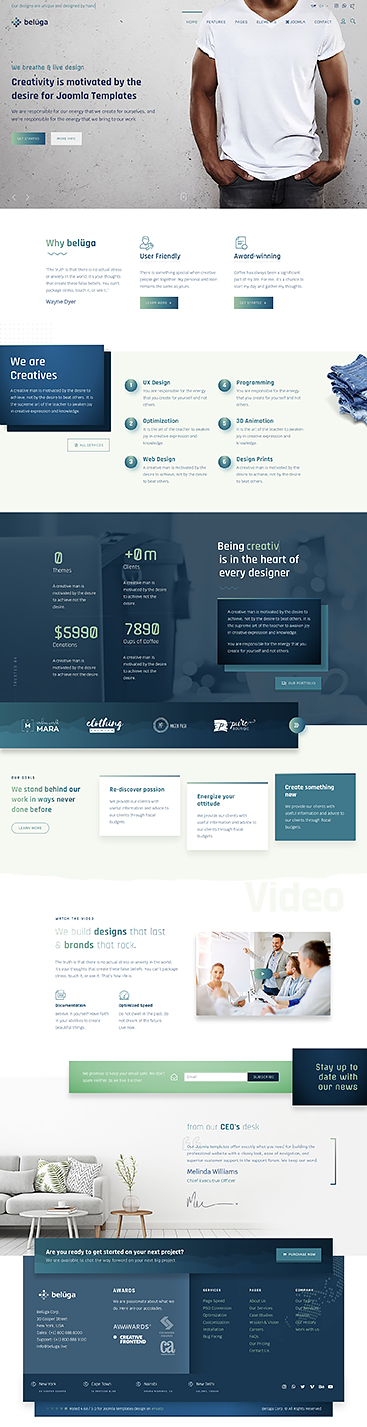
This theme comes packed with 6 preset styles. The theme settings also allows you to create an unlimited color variations using the color pickers and pre-defined background settings.
-
Admin Template Styling
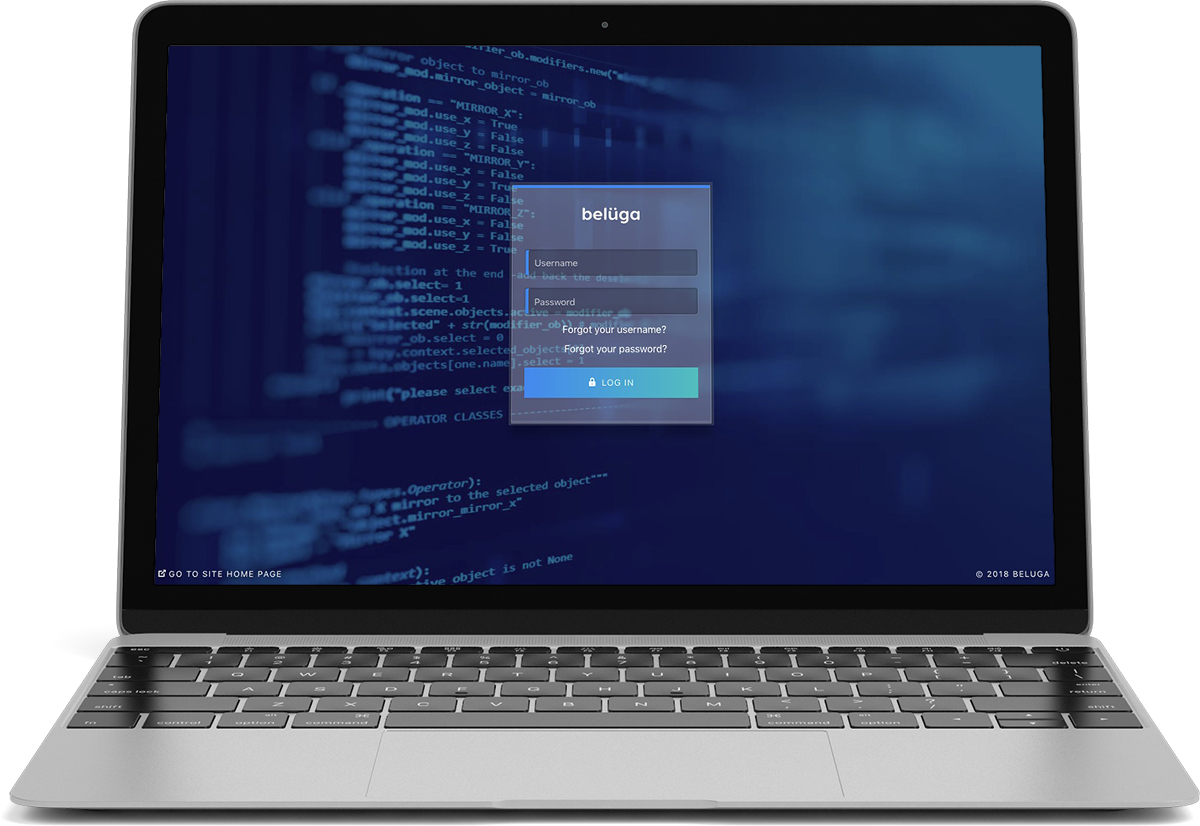
This theme comes with a nice admin template styling build to match the intricate front-end design. We’ve added a custom.css file to isis, so that you don’t need to install any other template to make your admin interface look perfect. You can change the logo via the Isis Admin template.
-
Beluga Icons
Beluga Joomla templates comes with a unique and hand-picked icons set. Hover over any icon to get the name.
Web Application Icons
Transportation Icons
Hand Icons
Gender Icons
File Type Icons
Spinner Icons
Form Control Icons
Payment Icons
Currency Icons
Text Editor Icons
Directional Icons
Video Player Icons
Brand Icons
Medical Icons
Adding icons to Menu items
To add an icon to a menu item, go to Extensions > Template Manager > click on the template to edit > on the second tab “Options”, select ‘Menus’ > choose a menu from the dropdown > in the icon column, select the icon you’d want to add for the respective menu item
Adding icons to Modules
To add an icon to a menu item, go to Extensions > Template Manager > click on the template to edit > on the second tab “Options”, select ‘Modules’ > search or filter for the modules on the top fields > in the icon column, select the icon you’d want to add for the respective module
-
Careers
To Edit careers article, please log in to the backend and Edit the careers article > then switch to SP Page Builder tab.
-
Widgetkit
Widgetkit 2 is the next generation toolkit for WordPress and Joomla. It provides a simple and user-friendly way to enrich your website experience with grids, switchers, slideshows and much more.
Custom Widgets
Widgets included when you install the theme

Pricing Beluga

Gallery Beluga

Testimonial Beluga

Timeline Beluga

Clock Beluga

Text Scroller Beluga

Grid Stack Beluga

Person Beluga

Accordion Beluga

Slideshow Beluga

Block Number Beluga
How to use
Use a shortcode to display your widget anywhere on your website
-
Kunena Forum
To install the Forum do the following:
- Download the latest Kunena Component
- Go to Extensions > Manage > Install and install it
- Extract
beluga_extensions.zipfrom the package you downloaded from Themeforest. You’ll find a folder named ‘kunena’ and within it a package namedcanvas-kunena-template.zip - Go to Components > Kunena Forum > Templates and click on ‘New Template’ button
- Click on choose file and select
canvas-kunena-template.zipthen click on ‘Upload File & Install button - Once the install is completed, select the Canvas template and set it as Default template